JEEKSSHIRE 24 | Legal

JEEKSSHIRE 24 | Legal

Draft a contract with AI

Tell us what you want to agree on. The AI asks follow-up questions and prepares a draft with numbered sections, flagged gaps and links to the legal provisions it found. The draft opens in the Legal editor, where you can correct it and save it.

Go to sign in ↗
Draft a contract with AI · Legal

Which documents you can draft

The drafting section offers thirteen types: services agreement, sale and purchase agreement, lease, employment contract, NDA, loan agreement, corporate document, acceptance certificate, invoice, amendment, claim letter, power of attorney and other document. The type is determined from your description and can be refined in the chat. For an invoice, amounts, tax and the total are calculated by the software from the line items you entered, not chosen by the model.

How the AI runs the conversation

First, the assistant clarifies the essentials: the parties' status and roles, the subject matter and deliverable, deadlines, price, currency, taxes and payment terms, place of performance and the document's language. It asks up to six related questions per turn and does not repeat ones already answered. An acceptance certificate also needs the underlying contract, the period and the work performed; a power of attorney needs the powers, the term and any form requirements. Saved party-details profiles are inserted word for word, so you don't have to enter them again.

Legal provisions and the finished draft

Once there is enough information, Legal searches the official legal portals of the selected country for requirements that apply to the chosen document type. The search query contains only the country, region, document type and topics — not your inputs, names or amounts. The AI then drafts a coherent document: city and date under the title, a preamble naming the parties, sections such as "1. Subject of the Agreement", clauses "1.1", lists, and party details and signatures at the end. A reference to a provision is kept only if the full text of the source was retrieved.

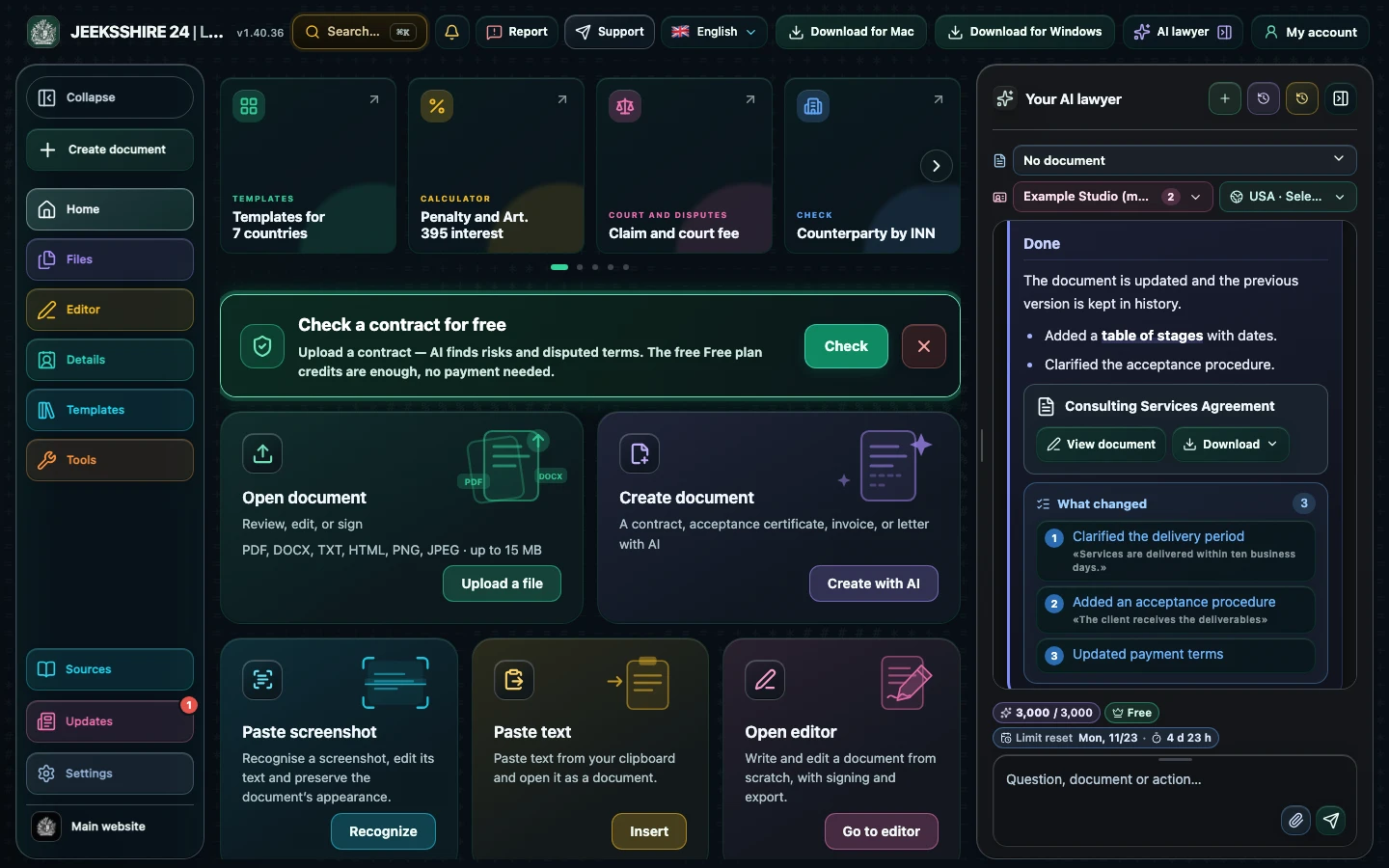
Sample output: what comes with the draft

An illustration of the format, not a ready-made form. The actual draft depends on your inputs, country and role.

  1. Apartment lease agreement · Russia, federal level · role: Landlord
  2. 1. Subject of the Agreement — 1.1. The Landlord grants the Tenant temporary use of the apartment located at [FILL IN: apartment address].
  3. 2. Lease term and handover · 3. Rent and payments · 4. Rights and obligations of the parties · 5. Liability · 6. Termination · 7. Party details and signatures
  4. Missing information: apartment address, handover date, Tenant's details.
  5. Assumptions: a 30-day termination notice period is suggested — this is a proposal, not an agreed term.
  6. Legal notes: each one links to a source that was found; if the text of a provision was not retrieved, no legal basis is given.
  7. Limitations: before signing, the party details must be checked, the terms agreed and the applicable form confirmed.

What to prepare before you start

The more precise your inputs, the fewer gaps in the draft. Just answer these questions in your own words:

Common mistakes when drafting a contract with AI

Limitations

Document drafting with legal research is available on the Plus ($5 per month) and Pro ($10 per month) plans; Free keeps the regular chat, editor, export and party-details profiles. The draft is a working version to be checked, not a legal opinion and not a guarantee that the document is valid. The AI can make mistakes, and a provision it found may be a different version: currency and entry into force must be checked separately. For an important transaction, show the document to a lawyer.

Questions about drafting contracts with AI

Can I draft a contract from a short description?

Yes. Describe the subject matter, the parties and the key term. If essential information is missing, the assistant will ask up to six specific questions. You can also explicitly ask for a draft with gaps — anything unknown will then be marked with [FILL IN: …] fields.

Will the AI make up party details, amounts or article numbers?

No. The model is explicitly prohibited from inventing names, addresses, bank details, dates, amounts and statutory articles. Anything unknown is marked for completion and listed, and a reference to a provision is kept only if its full text was retrieved from an official source.

What language will the document be in?

The document's language is confirmed in the chat and can differ from the interface language. The assistant's own notes are delivered separately and do not end up in the contract text.

Can I revise a finished draft?

Yes. Write what to change: Legal keeps the agreed details and fixes what you asked for. You can also open the draft in the editor and edit it manually.

What formats can I save the contract in?

PDF, DOCX, ODT, RTF, HTML, Markdown and TXT. PDF preserves pages, formatting and the signature; DOCX and ODT remain editable; the signature image is not included in Markdown and TXT.

Do I need a paid plan?

Yes, drafting legal documents with legal research is available on Plus and Pro. On Free you can use the regular chat, editor, export and party-details profiles within the quotas.

Is the draft ready to sign without review?

No. Check the terms, party details, governing law and the document's form; if in doubt, involve a lawyer. Legal does not promise that the document will be legally binding.

More tasks in Legal

About Legal for macOS, Windows and web ↗