Open the original PDF
Upload a file up to 15 MB and choose original PDF mode: the original pages and rotation are preserved. In this mode you can sign and add text, including on scans without recognized text. You can open the file in the browser on a computer or phone, as well as in the Mac and Windows apps with the same account.
Draw and place your signature
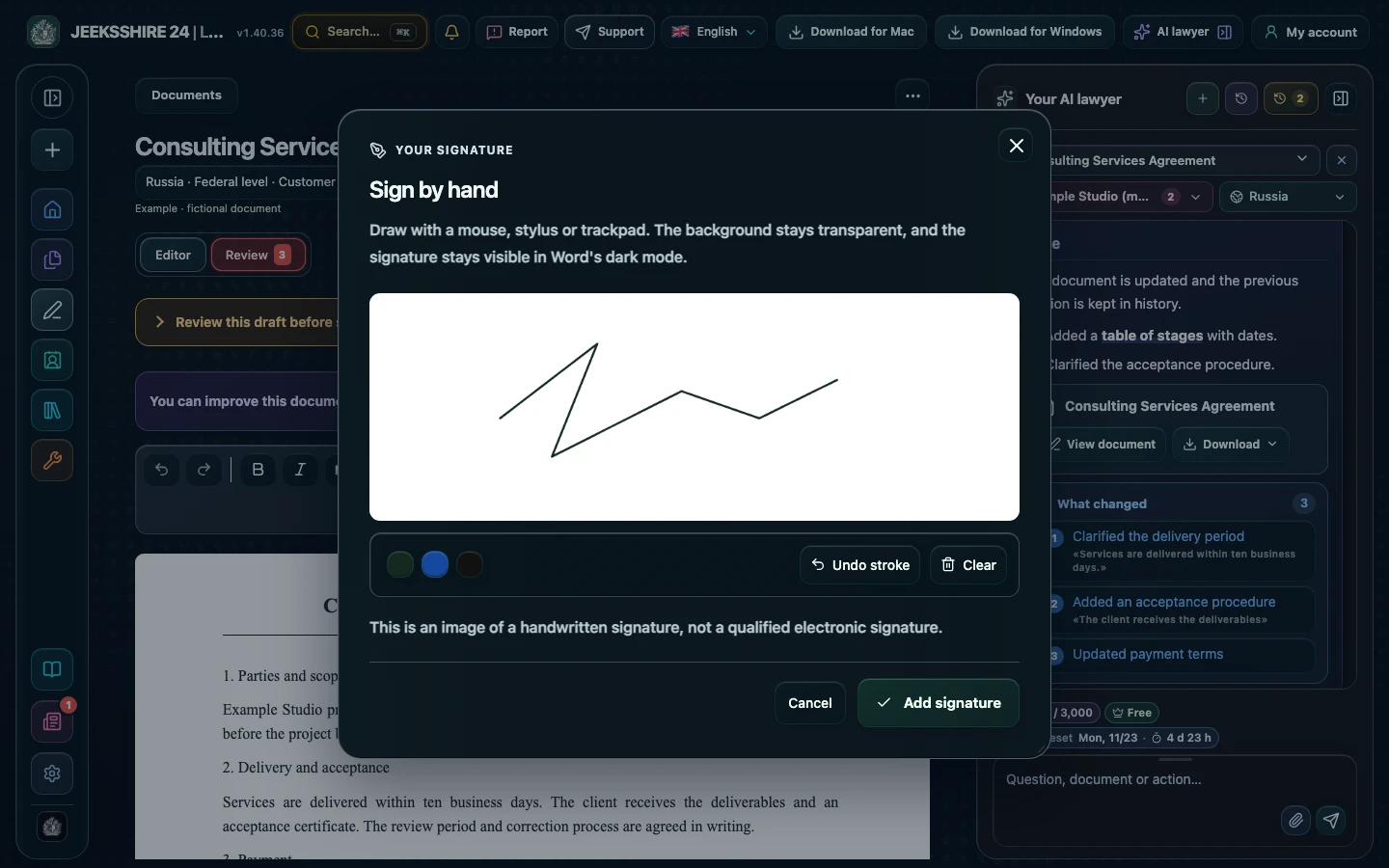
Draw with a mouse or trackpad, choose green, blue or black ink, undo a stray stroke or clear the field. Insert the signature on the page and resize it. The signature's background stays transparent, so the document line beneath it remains visible. Besides the signature, you can place text notes on the page — the date, your printed name, your job title — and then save the document as a PDF without changing the original layout.
Understand what kind of signature this is
This is an image of a handwritten signature, not a qualified electronic signature (QES). If the document requires a QES, notarization or another form, check the requirements in advance and use an appropriate method.
Questions about signing PDFs
Is this a legally valid signature?
Legal adds a graphic image of a signature, not a QES. Its significance depends on the parties' agreements and the applicable law.
Will the PDF layout change?
In original PDF mode, pages are preserved. The text version of an imported PDF gets a new layout, so to sign without changing the arrangement, choose the original PDF.
Can I sign a scan with no text?
Yes. In original PDF mode, the signature and text are added on top of the page, including on a scan without a recognized text layer.
Can I resize the signature?
Yes, once inserted, the signature can be scaled on the page. The background is transparent, so the document line beneath it remains visible.
Can I add the date and my printed name next to the signature?
Yes. In original PDF mode, add a text note to the page: the date, your printed name or another short label.
Where is the signed document stored?
In the workspace linked to your account. Workspace data is encrypted on the server; this is not end-to-end encryption.
How much does it cost?
PDF signing is available on Free. Paid plans are needed for AI contract review with legal research and for drafting legal documents.
What file size is supported?
PDFs up to 15 MB. If the file is larger, split it into parts.