Document comparison
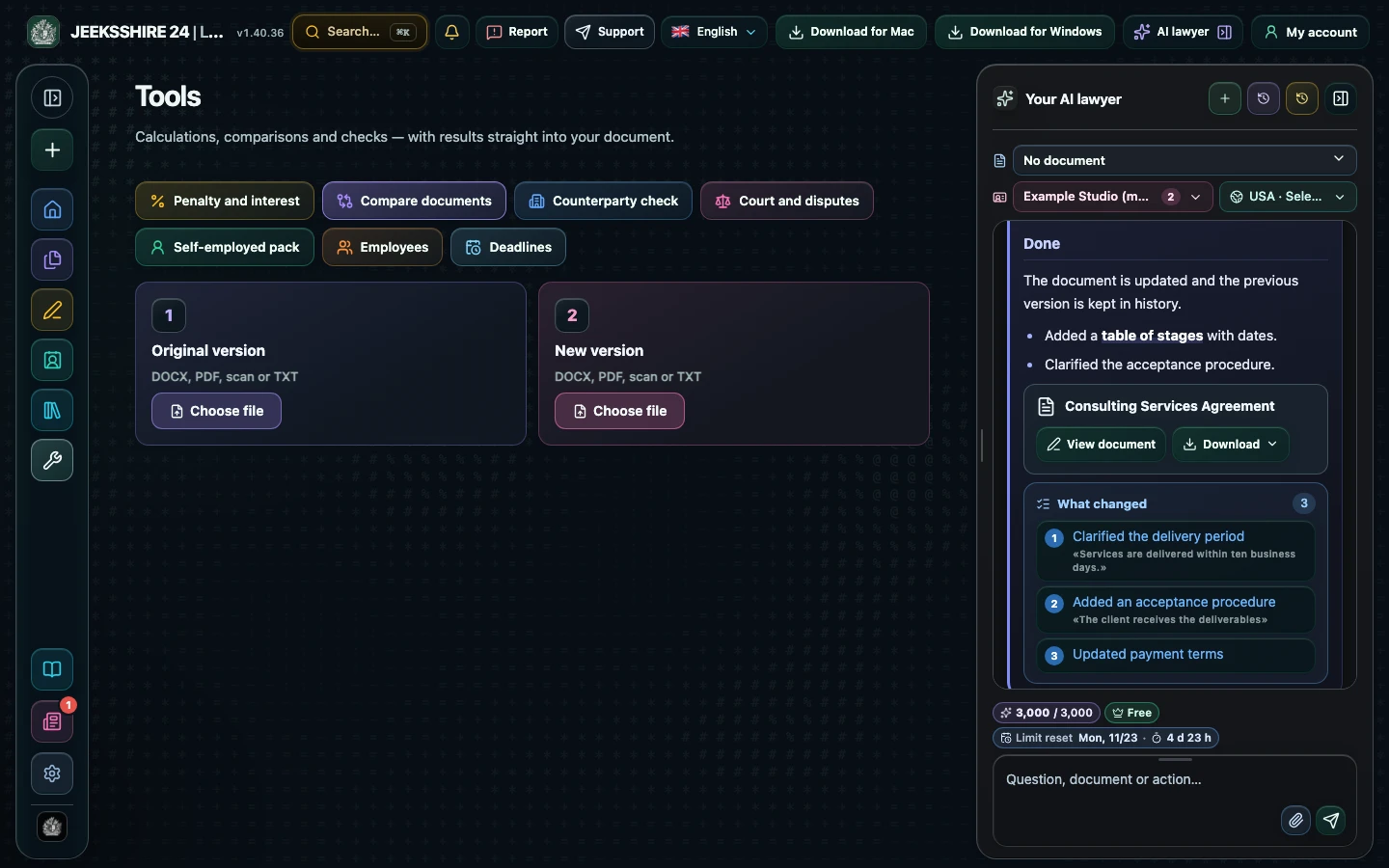
Comparison shows the difference between two versions: what was added, removed and changed. Upload DOCX, PDF, a scan or text, and the AI lawyer briefly explains which edits make your position worse.
You can look around without an account; calculating, saving and inserting into a document need an account.
How to use it
- Open Tools → Compare documents.
- Upload the first and second version: DOCX, PDF, scan or TXT.
- Review additions, deletions and changes.
- Ask for an AI summary of risky edits.
Who it helps
- People negotiating a contract
- Lawyers reviewing the other side's edits
- Managers who need to see changes fast
Limits
The comparison is text-based: formatting is ignored, and scanned text is recognised by OCR and may contain errors. The AI summary is not legal advice.
Frequently asked questions
Which files can be compared?
DOCX, PDF, scans and screenshots (text is recognised), TXT, Markdown and HTML.
What does the comparison show?
Added, deleted and changed passages, with highlighting and a count of changes.
Can the AI explain the changes?
Yes, the AI lawyer summarises which changes make your position worse.
Other features
Choose your task
Create a document
Review
PDF and scans
Documents by situation