App-wide search
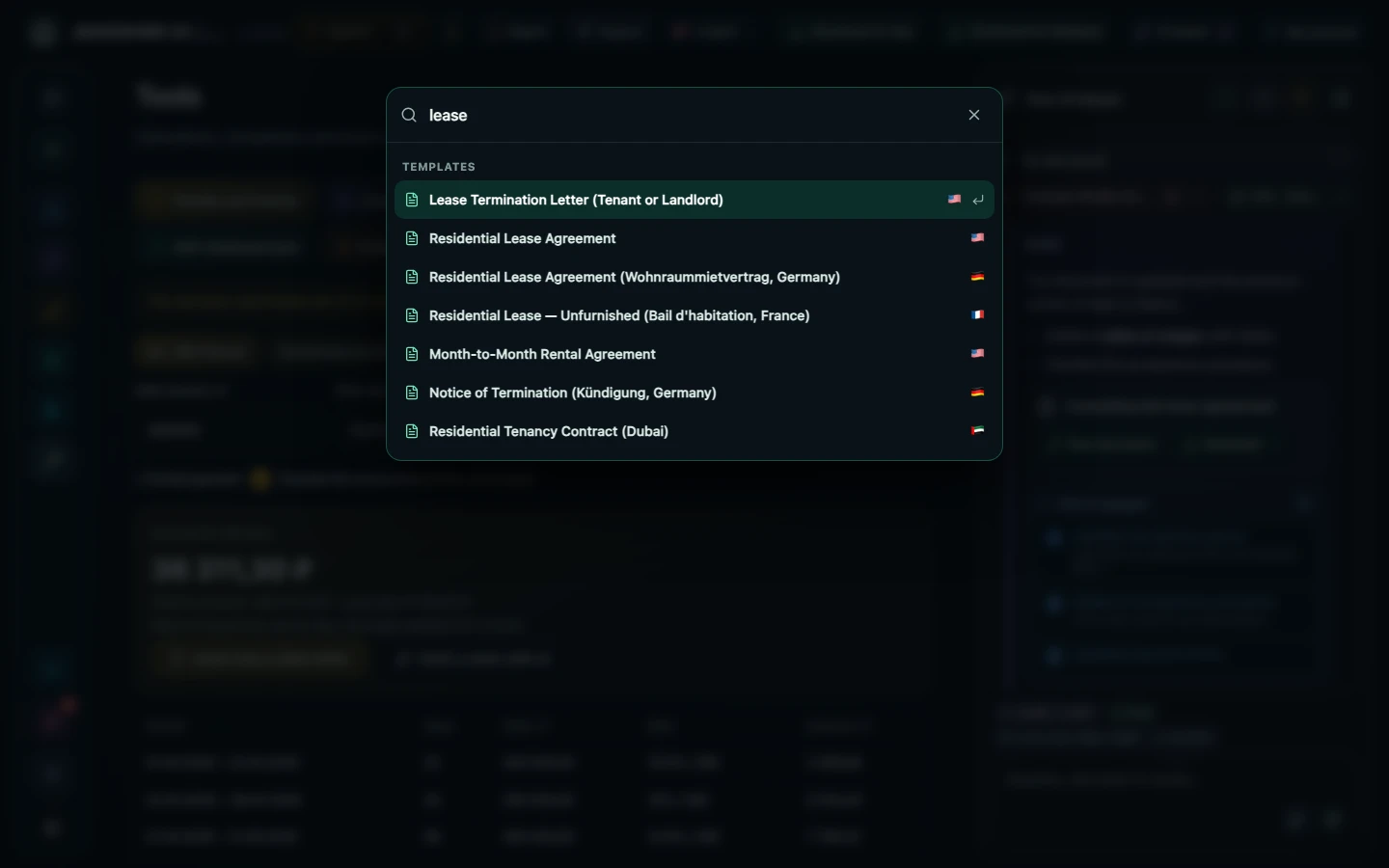
Press ⌘K (Ctrl+K on Windows) or the Search field at the top and Legal finds your documents, templates for every country, tools and settings. Arrow keys pick a result and Enter opens it.
You can look around without an account; calculating, saving and inserting into a document need an account.
How to use it
- Press ⌘K or Ctrl+K anywhere.
- Start typing: "contract", "promissory note", "penalty".
- Pick a result with the arrow keys or the mouse.
- Press Enter to open the document, template or tool.
Who it helps
- People with many documents
- Anyone looking for a template
- Keyboard-first users
Limits
Search matches titles and keywords. Your documents appear in search only after you sign in.
Frequently asked questions
How do I open search?
⌘K on Mac, Ctrl+K on Windows and in the browser, or the search field in the header.
What does it find?
Sections, every tool and calculator, templates for all countries, your documents, settings and updates.
Other features
Choose your task
Create a document
Review
PDF and scans
Documents by situation